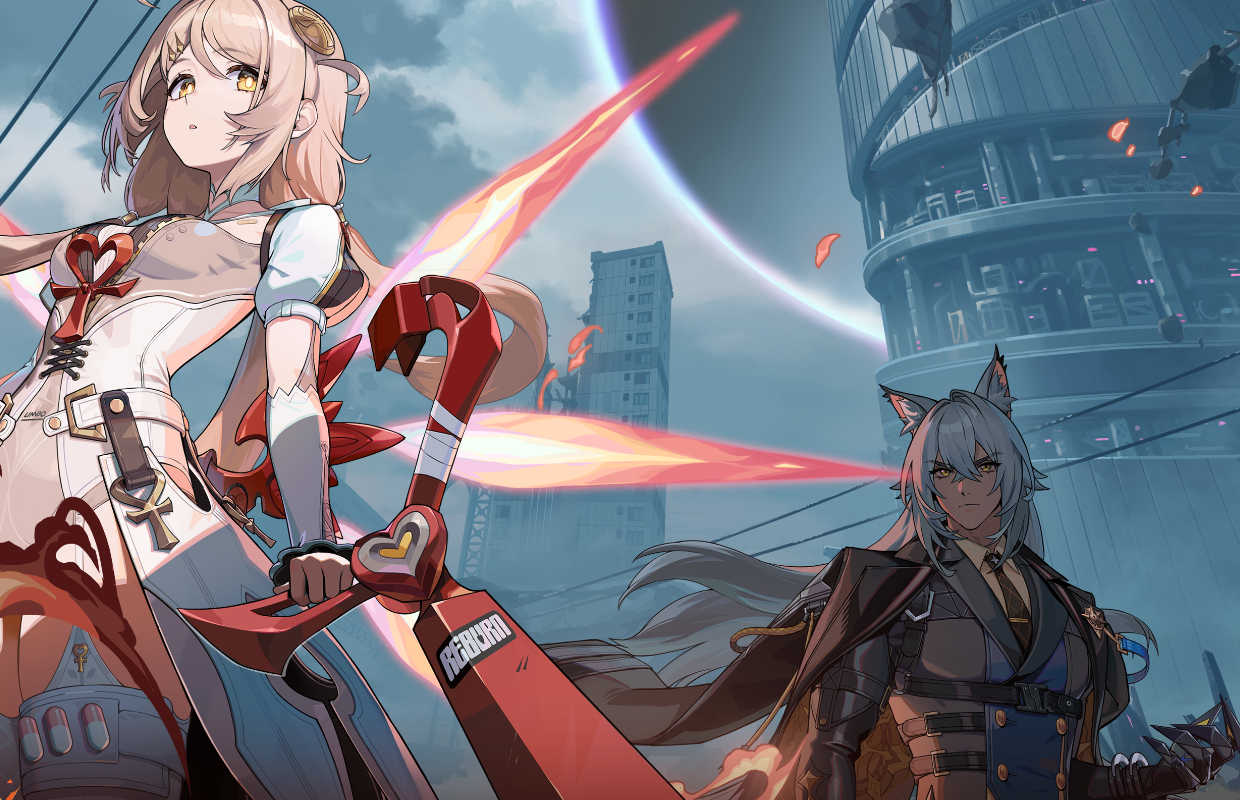
Zenless Zone Zero is a reflex-heavy action RPG: precise dodges, chained combos, quick character swaps. An unstable framerate or extra input lag can cost you a parry. The good news: unlike a big AAA release, ZZZ is built to run on modest hardware, mobile included, and since Version 3.0 the PC version has gained DLSS, FSR and frame generation. Here's how to dial in your setup on each device.
Official PC specs
These are the requirements HoYoverse lists on the game's Steam page (ZZZ arrived on Steam on June 16, 2026):
| Minimum | Recommended | |
|---|---|---|
| OS | Windows 10 64-bit | Windows 10 64-bit |
| CPU | Intel Core i5 (7th gen) | Intel Core i7 (10th gen) |
| RAM | 8 GB | 8 GB |
| GPU | GeForce GTX 970 | GeForce GTX 1660 |
| DirectX | 11 | 11 |
| Storage | 75 GB | 75 GB |
A hard drive works, but HoYoverse recommends an SSD, and you'll feel it in load times between areas. Note that the official recommended spec is a GTX 1660 with 8 GB of RAM: ZZZ is a mobile-first game, so you don't need a recent card to play it well.
What Version 3.0 changed on PC
Version 3.0 brought a graphics overhaul with options the game didn't have at launch:
- DirectX 12 mode, switched on from the launcher on compatible GPUs. Shaders compile on the first launch.
- Upscaling (Options > Display > Advanced > Super Resolution): DLSS on NVIDIA RTX 20-series and newer, FSR 3 on NVIDIA RTX 20-series and newer, and FSR 4 on AMD RX 7000 and RX 9000 cards.
- Frame generation: DLSS Frame Generation on RTX 40-series, DLSS Multi Frame Generation on RTX 50-series, FSR 3 frame generation on RTX 20-series and newer, and FSR 4 frame generation on RX 7000/9000 under Windows 11. Turn on Hardware-Accelerated GPU Scheduling in Windows and reboot first.
- Ray tracing, on NVIDIA RTX 20-series or newer cards with at least 8 GB of VRAM, in city areas and some combat encounters only.
The driver minimums are NVIDIA 591.86 (595.97 for Multi Frame Generation) and AMD 26.6.1. Update before you test these options, and expect AMD support for some features to widen in a later update.
Graphics settings: what to turn on (and off)
For a clean image at a stable framerate:
- Frame rate limit: Unlimited if your monitor runs above 60Hz, otherwise 60. Dodge and parry timing feel better with a high, stable framerate.
- V-Sync: leave it off unless you see tearing. It adds input lag, which works against you in a game built on tight timing.
- Upscaling first, presets second: on a mid-range card, turn on DLSS or FSR before lowering the overall preset. You keep most of the image quality for a big FPS gain.
- Shadows: the first setting to lower if you get stutters. Low or Medium barely shows in fast combat.
- Ray tracing: nice in the city, but it only applies to some areas. Leave it off if you're chasing framerate.
- Frame generation: it raises the FPS counter but adds latency. For a timing-based game, use it only if your base framerate is already around 60 FPS.
Optimizing performance on mobile
A large part of the community plays on phones, where the levers are different:
- Close background apps before launching the game to free up memory.
- Turn on your phone's performance or game mode (often in battery settings or a manufacturer app) so the game gets priority.
- Watch the heat: long sessions heat the phone and it slows itself down. Taking the case off or using a cooling clip helps keep the framerate steady.
- Lower the graphics preset one step on a mid-range phone before cutting the framerate: a steady 30 or 60 feels better than a framerate that jumps around.
Bottom line
Zenless Zone Zero doesn't need a monster rig: the official recommended spec is a GTX 1660 with 8 GB of RAM. Since Version 3.0, DLSS, FSR 3/4 and frame generation give recent cards plenty of headroom, so the real work is in a few settings: framerate limit, V-Sync, upscaling and shadows. If you're shopping for a new card anyway, our graphics card buying guide compares prices tier by tier. For another HoYoverse game on modest hardware, see our Honkai: Star Rail beginner's guide.