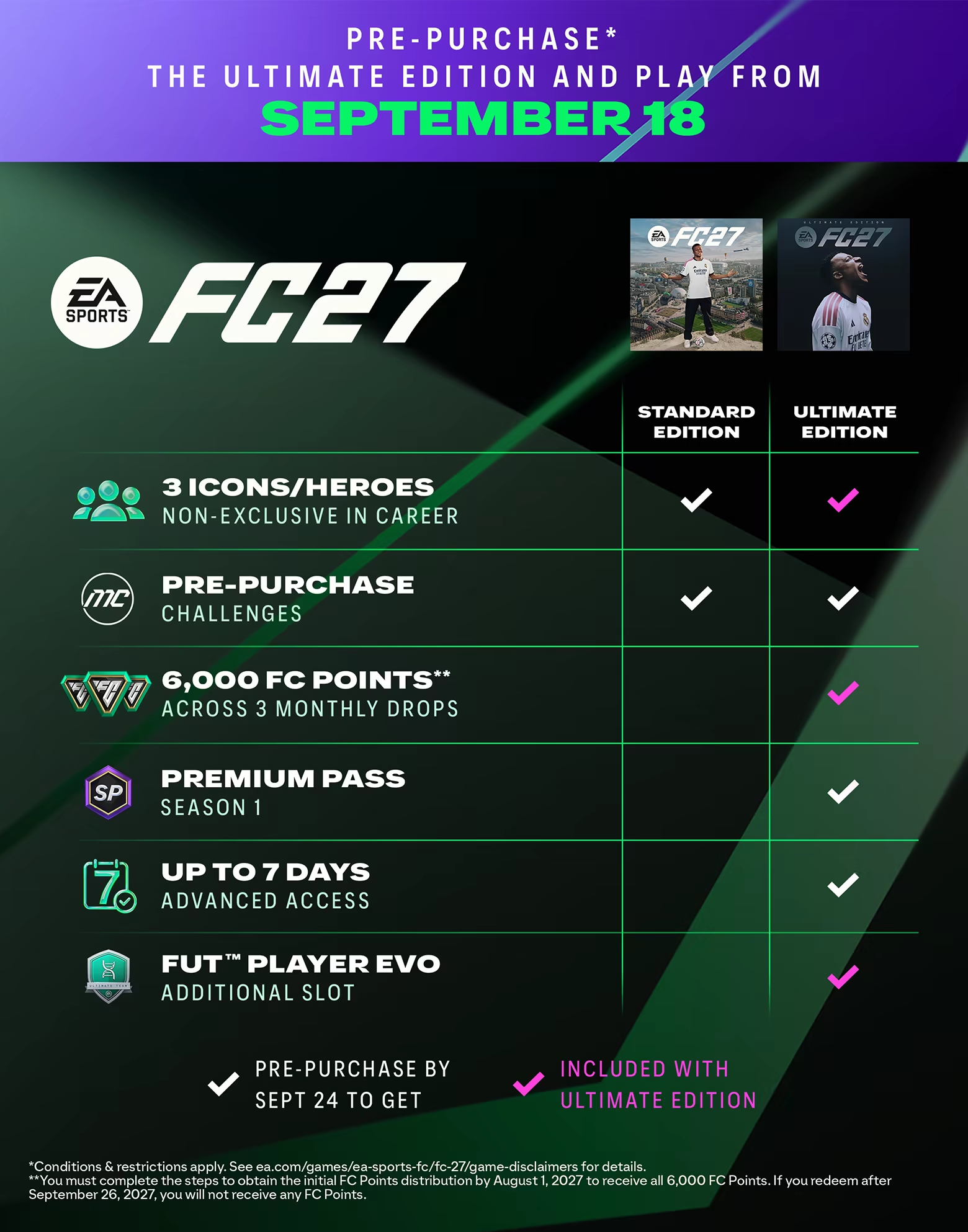

In EA Sports FC 27, the difference between a clean tackle and a red card can come down to a few milliseconds. Whether you're climbing Division Rivals or playing FUT Champions, here's the PC setup and camera configuration to put in place. Still deciding if this year's game is worth it? See our critics' roundup for EA Sports FC 27 first.
Official PC specs
EA Sports FC 27 launched on September 24, 2026. These are the requirements EA lists on Steam:
| Minimum (720p, 60 FPS, Low preset) | Recommended (1080p, 60 FPS, Medium preset) | |
|---|---|---|
| OS | Windows 10/11 64-bit, latest update | Windows 10/11 64-bit, latest update |
| CPU | AMD Ryzen 5 1600 or Intel Core i5-6600K | AMD Ryzen 7 2700X or Intel Core i7-6700 |
| RAM | 8 GB dual-channel DDR4 | 12 GB dual-channel |
| GPU | AMD RX 570 or NVIDIA GTX 1050 Ti | AMD RX 5600 XT or NVIDIA GTX 1660 |
| DirectX | 12 | 12 |
| Storage | 100 GB, SSD recommended | 100 GB, SSD required |
Two details matter. First, the SSD is required at the recommended tier, not just suggested: a hard drive is only supported at minimum spec. Second, EA specifies dual-channel memory (two sticks, for example 2 x 4 GB at minimum), so a single RAM stick can cost you performance.
What's new in the PC settings
EA's PC deep dive lists a few changes this year:
- New Performance and Balanced modes, plus High and Ultra presets that target at least 80 FPS and 120 FPS respectively on the hardware they're built for. You can still change every setting individually.
- A VRAM indicator in the graphics menu that estimates peak video memory use as you change settings. Use it to stay under your card's VRAM.
- Enhanced Ultra Visuals beyond the Ultra preset, off by default. Leave them off for competitive play.
- Faster launch times, around 50% shorter in some configurations according to EA.
Graphics settings for competitive play
In competitive play, responsiveness matters more than how good the stadium looks:
- Display mode: Fullscreen on a single-monitor setup, Borderless if you switch between windows often.
- Frame rate limit: 60 FPS if your PC struggles, 120 FPS if it holds that without drops. A stable framerate beats a higher one that jumps around.
- V-Sync: off, unless you get stuttering or tearing online.
- Render scale: keep it at 100. If you need FPS, lower the preset or turn on dynamic resolution with a 60 FPS target instead.
- Low latency: turn on your GPU driver's low-latency option (NVIDIA Low Latency Mode in the NVIDIA Control Panel, or AMD Anti-Lag in the Adrenalin software).
- Graphics quality: the Medium preset already gives a clean 1080p/60 FPS image on the recommended hardware. Go higher only if the VRAM indicator and your framerate leave room.
If performance is still poor, EA's own troubleshooting advice is to lower the target frame rate, reduce graphics quality or resolution, and update your GPU drivers.
Camera and controller settings
- Camera: Co-op is the most commonly recommended camera for competitive play because it shows a wide view of the pitch while keeping your player easy to follow. Tele Broadcast is the main alternative if you prefer a closer view. Guides commonly suggest a Height of about 20 and a Zoom of 0, or a little more on a large screen.
- Button layout: pick one scheme (Classic or Alternate) and stick with it. Switching every season resets muscle memory.
- Fine-tune sensitivity: adjust shooting and through-ball assistance in the controller settings to cut inputs that go the wrong way under pressure.
- Vibration: turning it off is a matter of comfort over long ranked sessions; it doesn't change performance.
Network and online stability
In Ultimate Team, network latency matters as much as local input lag. Use a wired Ethernet connection instead of Wi-Fi, and close apps that use bandwidth in the background (downloads, streaming). On PC with an unstable Wi-Fi or powerline setup, a USB Ethernet adapter often improves ping consistency more than a graphics card upgrade would.
Bottom line
The recommended build (GTX 1660 or RX 5600 XT, 12 GB of dual-channel RAM, an SSD) runs EA Sports FC 27 at 1080p/60 FPS. For competitive play, the gains come from a stable framerate, V-Sync off, your driver's low-latency mode, the Co-op camera and a wired connection. Shopping for a new card? Our graphics card buying guide compares today's prices.
Sources
- Steam: EA Sports FC 27 store page (system requirements and release date)
- EA: FC 27 PC deep dive
- EA Help: How to troubleshoot EA Sports FC 27 PC performance issues
- PlayNews: EA Sports FC 27, the best PC settings to avoid lag
- Destructoid: Best camera and controller settings in FC 27
- Noobfeed: EA Sports FC 27 best camera and gameplay settings